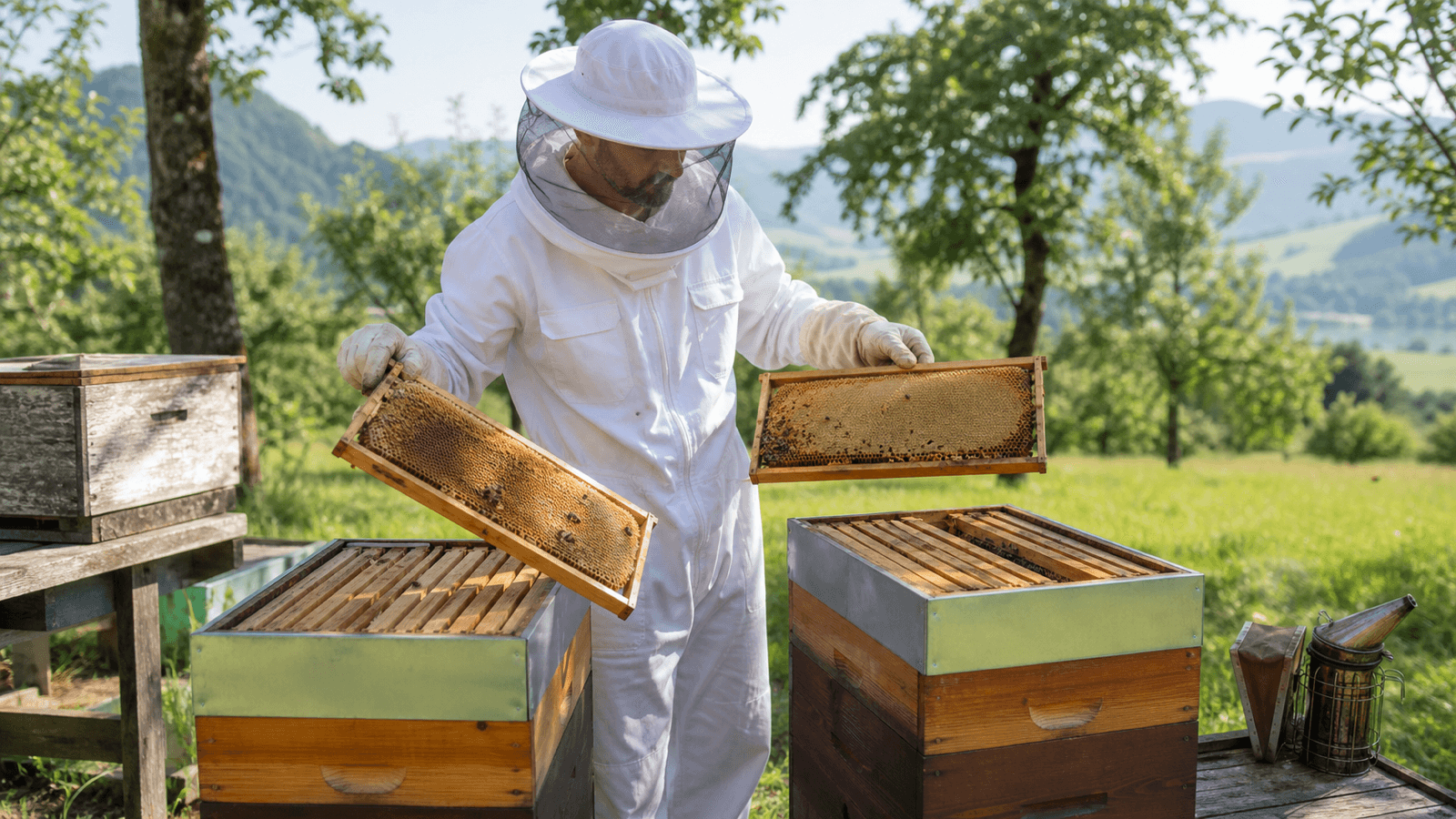
Localizing Multilingual Chatbot Responses: Dates, Numbers, and Currencies
How website teams localize dates, time zones, numbers, currencies, and units in multilingual chatbot responses so they remain clear and testable.
Tag archive
Explore every ChatReact article tagged with Implementation and find practical guidance for planning, launching, and improving an AI chatbot on your website.

How website teams localize dates, time zones, numbers, currencies, and units in multilingual chatbot responses so they remain clear and testable.

How teams track model, retrieval, and tool costs down to the resolved intent, attribute them fairly, and optimize without sacrificing quality for savings targets.

How website chatbots reliably handle streamed responses during network drops, retries, and screen reader announcements—without duplicate or half-finished statements.

How semantic response caches reduce latency and costs without compromising permissions, conversation context, source freshness, or data privacy.
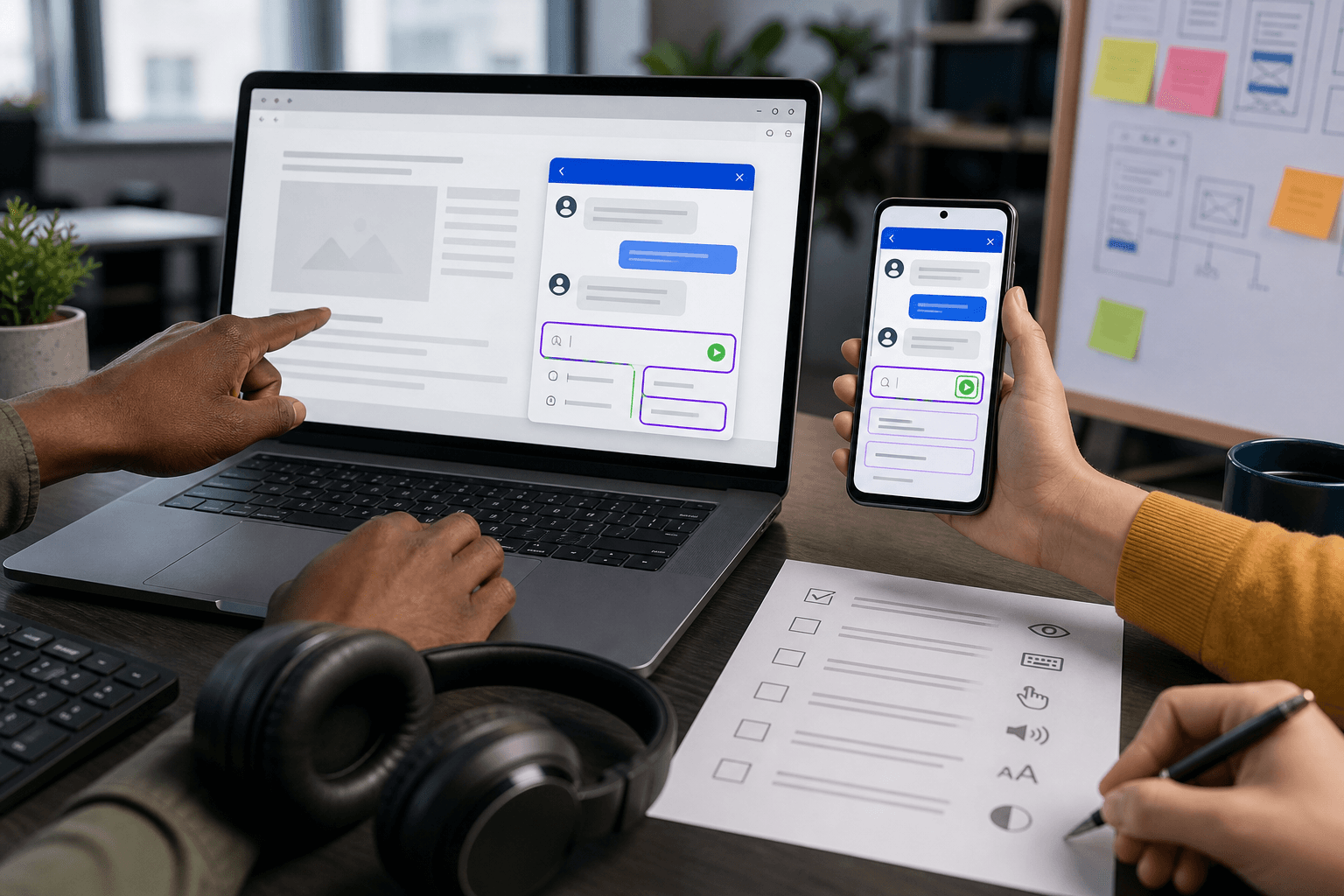
Deleting a document from the knowledge base is not enough: Chunks, vectors, caches, and previously derived answers can perpetuate the content. This guide demonstrates a controlled deletion path using tombstones, dependency registries, proof, and regression testing.

A new foundation model is more than a simple version bump. Robust evals, phased canary traffic, and a prepared rollback keep your website chatbot under control.

Manipulated or unreliable sources can permanently corrupt a RAG knowledge base. A resilient ingestion process combines provenance, quarantine, versioned indexes, and targeted re-indexing tests.

A practical due diligence checklist for website operators: How to evaluate DPAs, subprocessors, data flows, and third-country transfers before your chatbot rollout.

How website chatbots retrieve only sources that match a person's verified identity and role — using ACLs, testing, and safe fallbacks.

MCP for AI chatbots connects website conversations with authorized tools. This article shows how OAuth, scopes, approvals, and tool discovery interact according to the 2026-07-28 specification.

A website chatbot shouldn't act simply because it understood a request. This guide shows how teams design permissions, confirmations, and audit trails for tool calls.

Hybrid Search combines keyword and vector search. Here is how website teams test RRF, reranking, metadata, and secure no-result cases for RAG chatbots.

A practical CSP for website chatbots only allows the scripts, API connections, streams, and images that are actually required—without unnecessary wildcards.

JSON Schema shapes chatbot responses into format. Processes only become reliable through semantic verification, safe output rendering, and clear error paths.

Prompt Caching saves input tokens and latency when stable instructions remain clearly separated from user context, real-time data, and permissions.

A new embedding model changes an AI chatbot's search space. With a parallel index, comparative testing, controlled cutover, and quick rollback, you can migrate safely without blind spots.

Metadata filters limit the RAG search space before an AI chatbot selects sources. This keeps language, version, validity, and access scope cleanly separated.

Short follow-up questions only work in RAG chatbots with the right context. This guide shows query rewriting, follow-up questions, limits, and testing for reliable retrieval results.

Multi-tier rate limits protect public AI chatbots from unchecked requests, token costs, and retry storms without blanket-blocking legitimate users.

Tool calls give a website chatbot the power to act—making security critical. This practical guide shows how least privilege, server-side checks, explicit confirmations, idempotency, and rollback plans work together.

With end-to-end traces, website teams can see which sources, models, and tools shaped a chatbot response—data-frugal and action-oriented.

Good RAG chunking makes website knowledge discoverable without breaking key context. This guide shows how teams plan sections, overlap, metadata, and retrieval testing in practice.

Fast chatbot responses are built across the entire technical pipeline. Here is how to plan latency budgets, streaming, timeouts, retries, and secure fallbacks.

How a website chatbot connects catalog, prices, inventory, and variants with clear freshness rules—and responds gracefully when data is outdated.

Citations make chatbot answers reliable only when statements, source passages, and links align. Here is how to build references, link validation, uncertainty handling, and fallbacks into your website chatbot.

How website teams make chat histories visible, exportable, and deletable, revoke access, and securely confirm sensitive actions.

How website chatbots securely continue conversations after navigation, return visits, or switching devices – with clear identity boundaries, expiration rules, and Human Handoff.

A file upload in a website chatbot requires more than a paperclip icon. This guide connects clear boundaries, technical validation, understandable status messages, and secure handoff.

How website chatbots schedule appointments reliably: check live availability, handle time zones correctly, prevent double bookings, and securely confirm results.

How an AI chatbot guides customers through complex product variants without inventing rules, prices, or availability—including secure quote handoffs.

How an AI chatbot supports complex website forms with clear field help, actionable error handling, accessibility, and smooth human handoff.

A public website chatbot and an authenticated AI chatbot in a customer portal require distinct data, tool, and security boundaries. This guide presents a practical architecture including a test matrix.

A reliable AI chatbot needs more than up-to-date documents. It requires clear content ownership, tiered approvals, and a controlled path from change request to verified answer.

How website, support, and product teams prepare AI chatbots for outages: using health signals, degraded mode, rollback, escalation, and postmortems.

How to migrate an AI chatbot in a controlled manner during a website relaunch: separate staging, map URLs, re-index the knowledge base, and verify responses.

How website teams mitigate direct and indirect prompt injection using segregated trust zones, least privilege, output validation, and targeted security testing.

How to test AI chatbot routing with target paths, false positives and negatives, handoff funnels, locale comparisons, and targeted review samples.

An AI chatbot is only helpful if everyone can use it. This WCAG-oriented checklist shows what website teams should consider regarding widgets, dialogs, keyboard navigation, mobile usage, and support handovers.
A practical view of how website owners can add AI chat to WordPress without turning their content stack into a fragile plugin maze.